
What Is LGTM? Meaning, Usage, and Posting It on GitHub
What LGTM means, and how to post an LGTM image in a review.
What LGTM means
LGTM is short for “Looks Good To Me.” It’s how you approve a change in a code review.
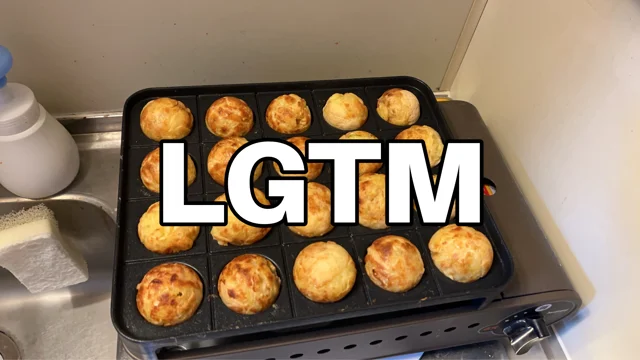
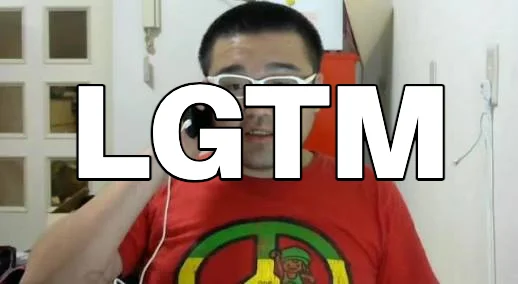
You’ll see it on GitHub, GitLab, Backlog, Slack, and anywhere else reviews happen. Adding an LGTM image makes the approval a little more fun.
How to make and post an LGTM image
- Open Create and pick an image.
- Move the LGTM text and adjust its size and color.
- Download a PNG, or publish it to the gallery.
- Copy the image URL or the Markdown.
- Paste it into your review comment. Done.
The Markdown looks like this:
Paste it, and it shows up like this:

Posting it in each tool
- GitHub: Paste the Markdown into a comment.
- GitLab: The same Markdown works.
- Backlog: Paste the Markdown in Markdown projects, or attach the PNG in Backlog-syntax ones.
- Slack: Paste just the image URL, and the preview shows the image.
Find one in the gallery
No need to make your own — any published image is ready to use.
- Filter by tag, shape, or transparency.
- Save the ones you like as favorites.
- Use Shuffle for a random mix.


FAQ
Is it free?
Yes. Making, saving, publishing, and copying are all free.
Do I need an account?
No. You can publish up to three images without signing in (you only need an account to add tags).
Can I use them at work or commercially?
Go ahead. LGTMate doesn’t put any license restrictions on them. Just keep the rights to the original image in mind when you make one.